Make room for your PDF.
Choose an existing scanned PDF and a quality level. Compare file sizes, preview the result, then save or share a smaller image-only copy.
CHOOSE → COMPRESS → COMPARE SnapPDFby PrimeDaily
YOUR EVERYDAY DOCUMENT COMPANION
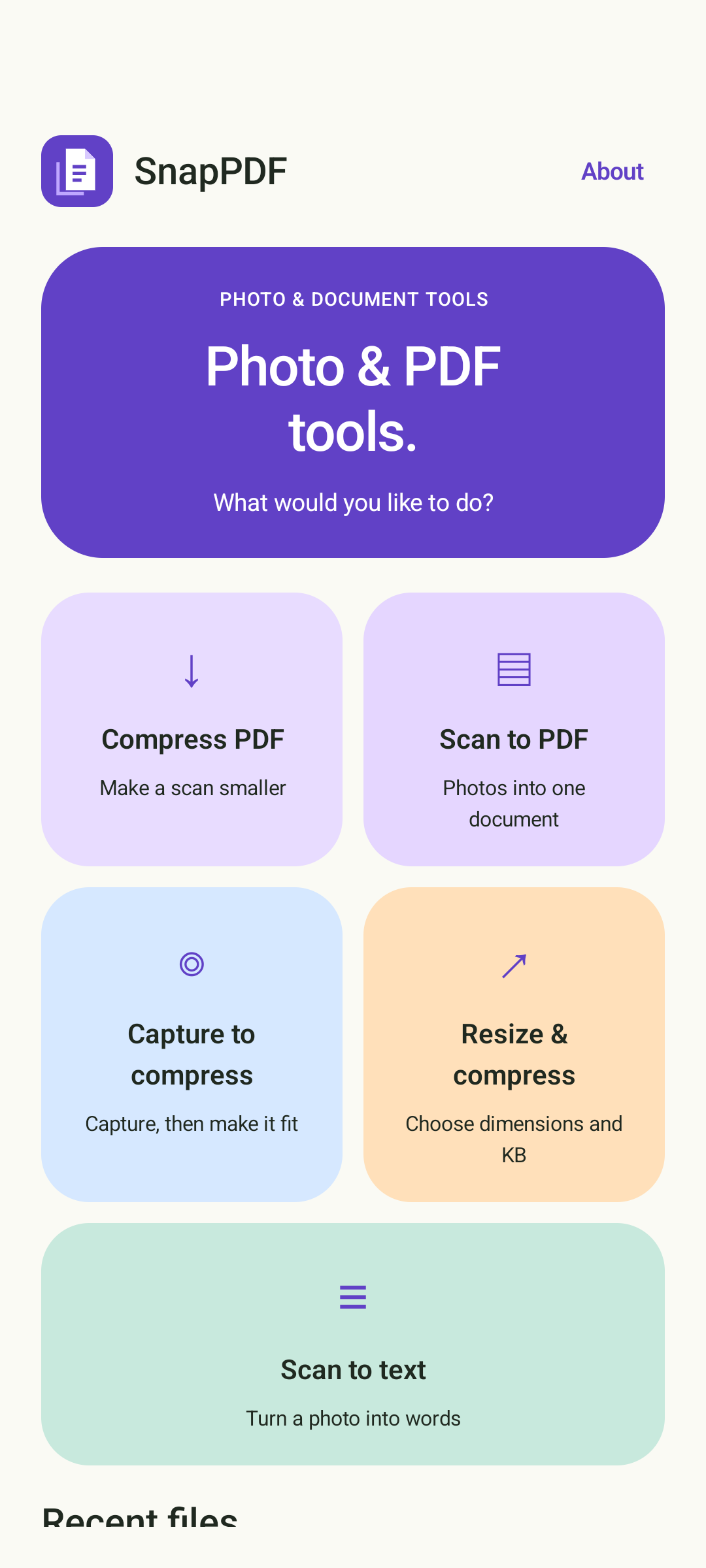
Scan a page. Shrink a PDF. Copy the words.
Keep the little document jobs simple.
English interface · On-device processing in the current build
SMALL TASKS. SORTED.
From a handwritten page to an upload-ready picture,
follow a clear path from capture to the finished file.
Choose an existing scanned PDF and a quality level. Compare file sizes, preview the result, then save or share a smaller image-only copy.
CHOOSE → COMPRESS → COMPARETake a photo or import one. Adjust the page edges, arrange up to 10 photos, and create a single A4 PDF to save or share.
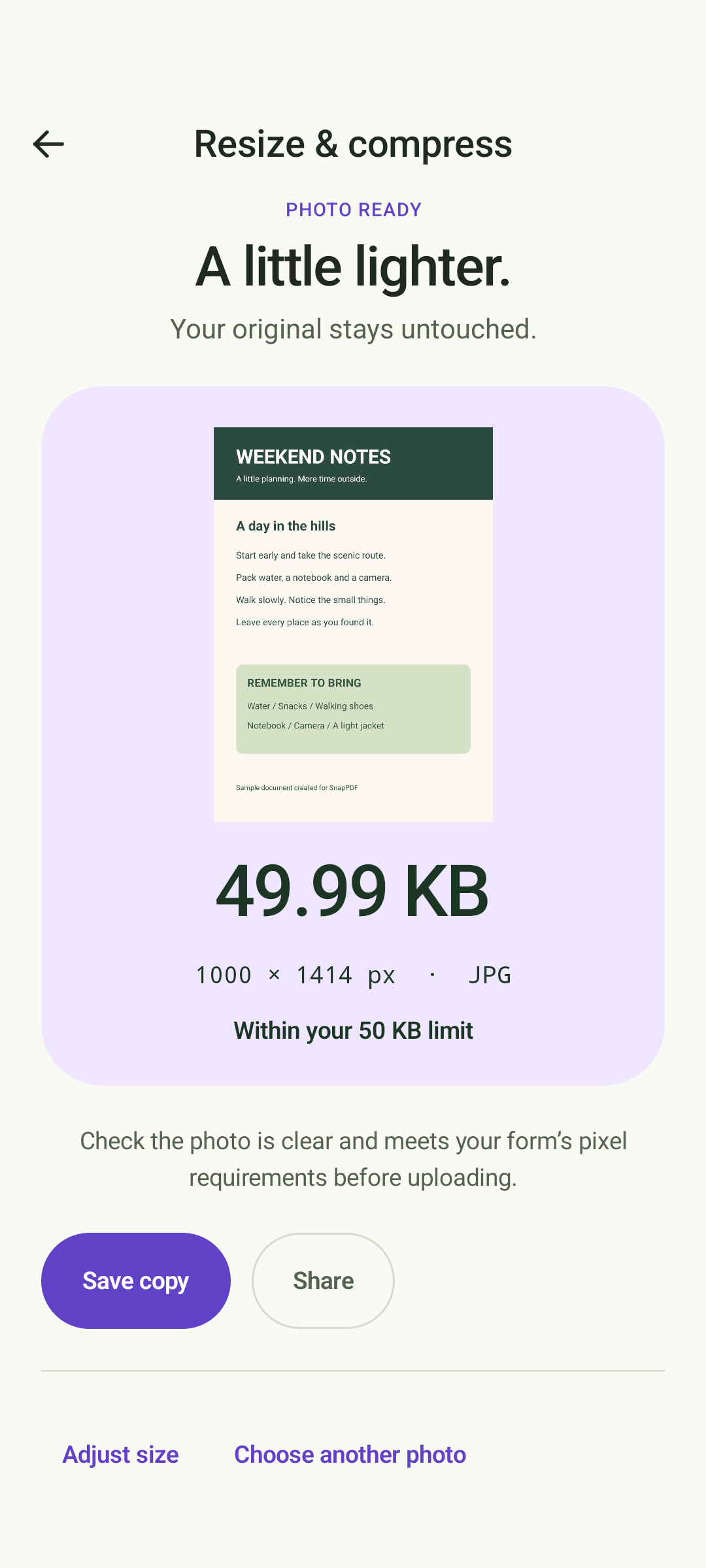
CAPTURE → CROP → CREATEChoose a maximum file size in KB and optional pixel bounds. Preview the smaller JPEG and check its actual size before saving.
CHOOSE → RESIZE → SAVECapture a fresh picture and take it straight into the photo-resizing tools. Keep your original and save a separate copy.
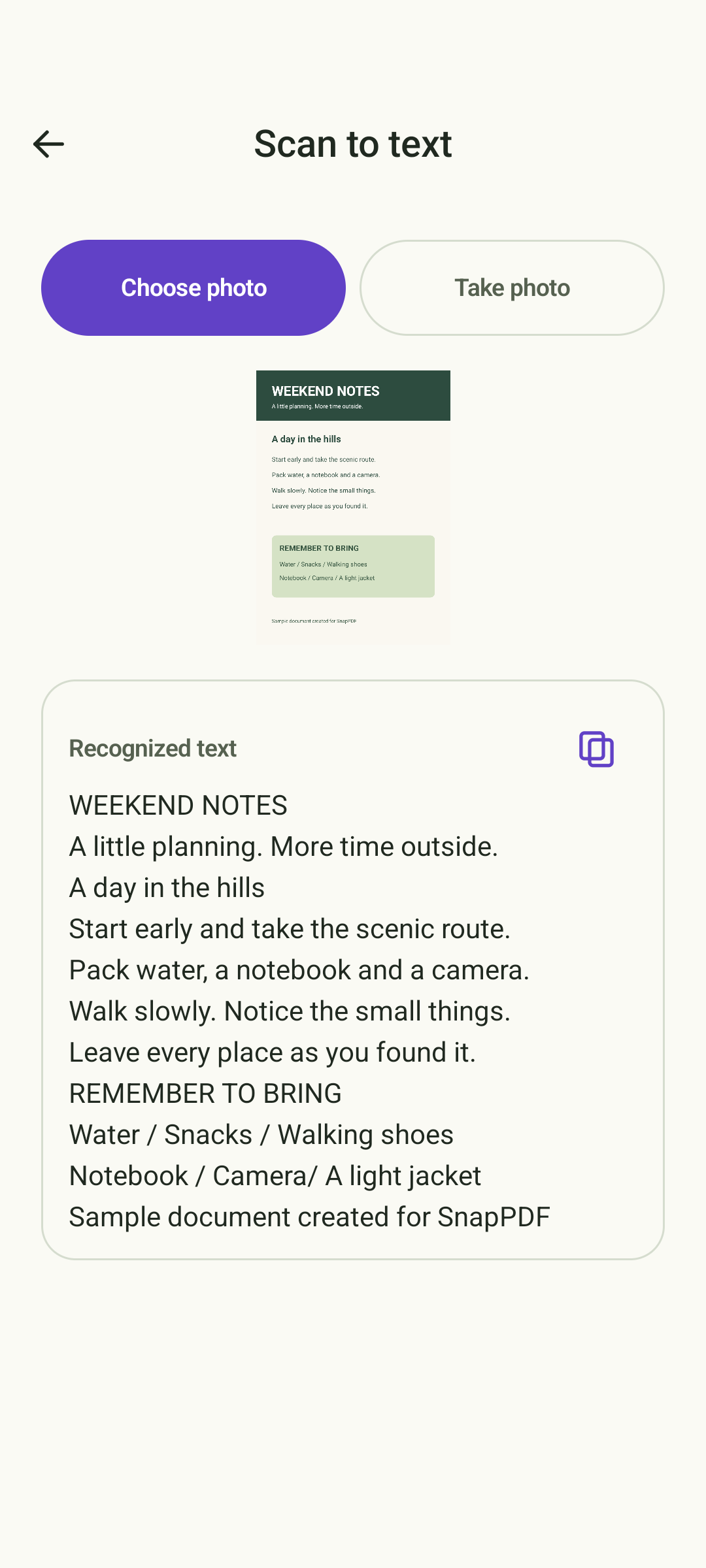
POINT → CAPTURE → ADJUSTRead printed English text from a photo, review and edit the result, then copy it into the place you need it.
READ → REVIEW → COPYA CLOSER LOOK
Actual Android development-build screens with sample content.
The release date and Google Play listing are still pending.
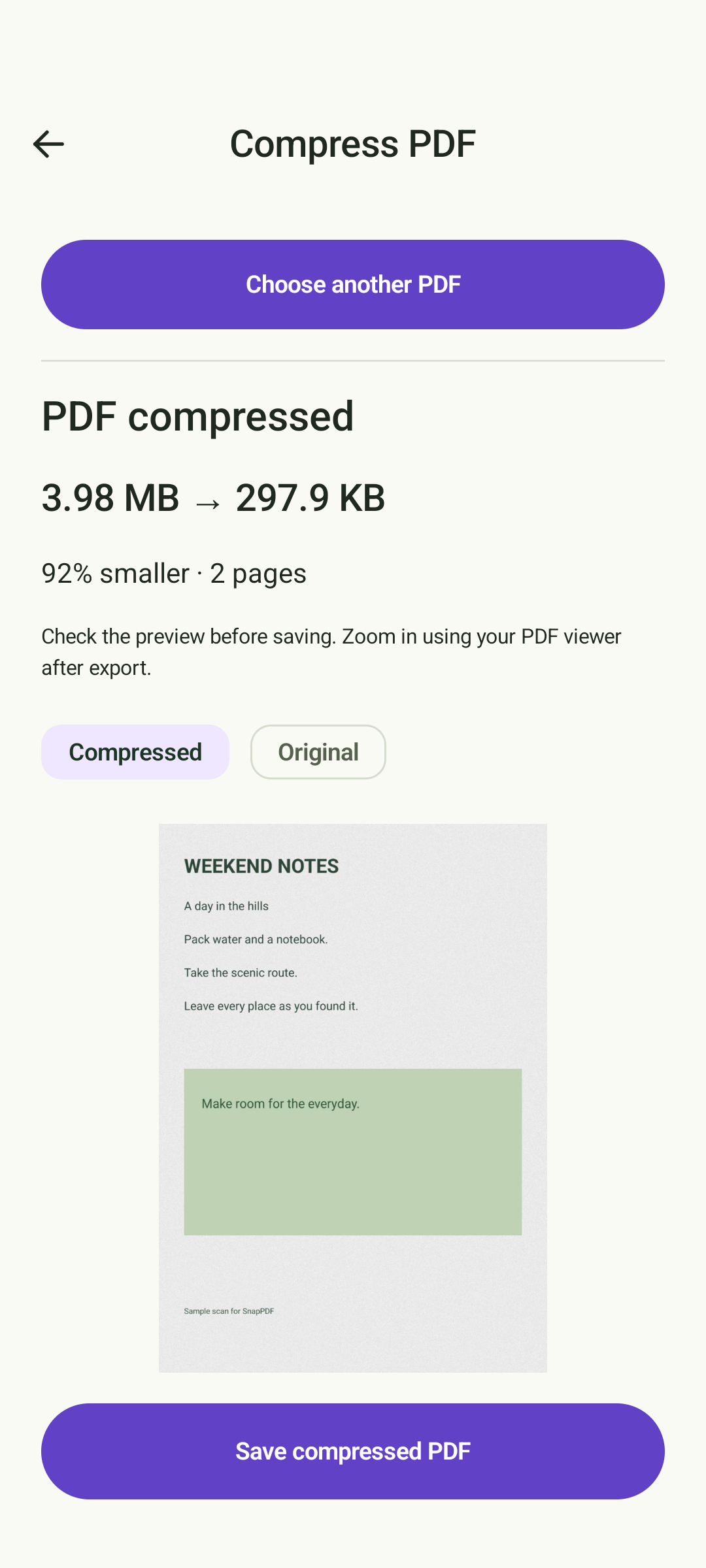
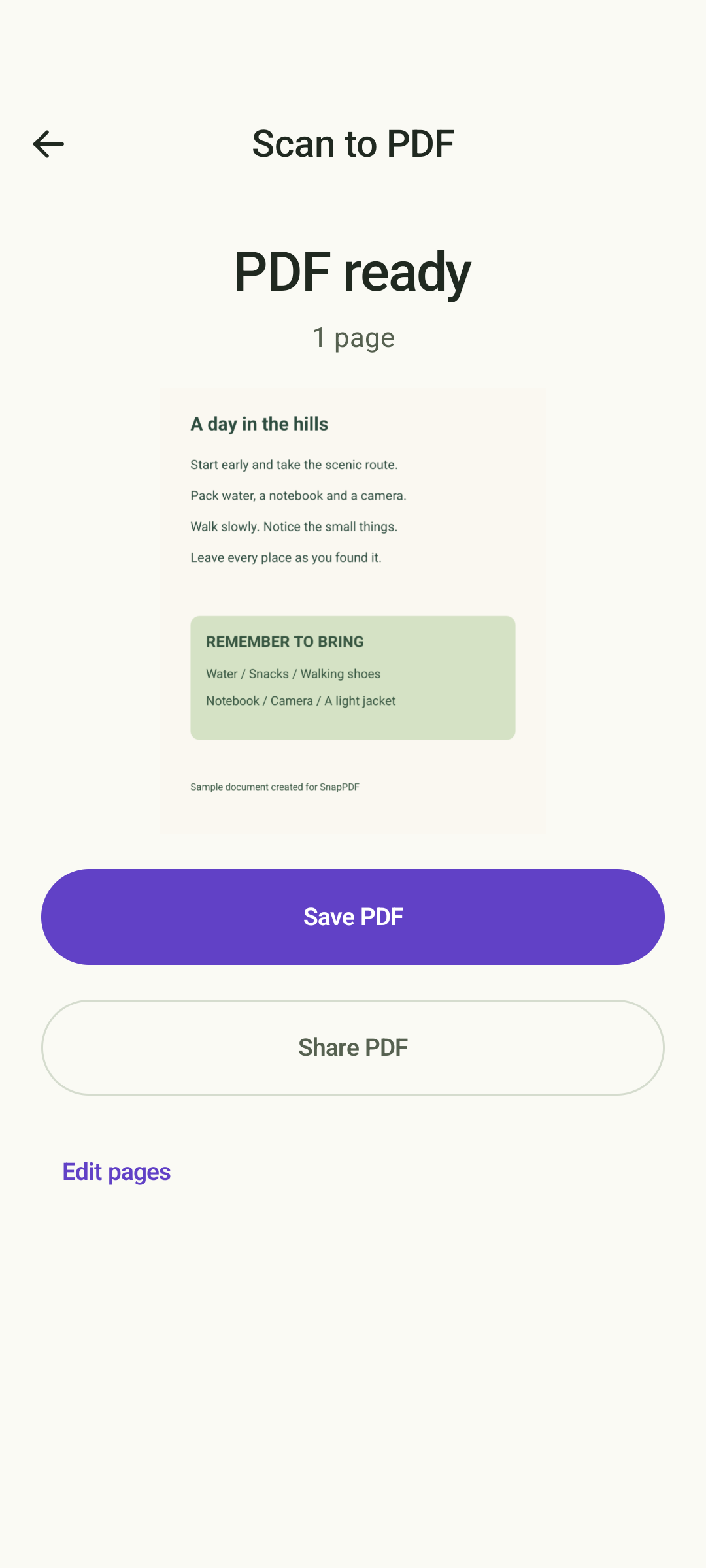
Compare sizes and preview your image-only PDF copy.
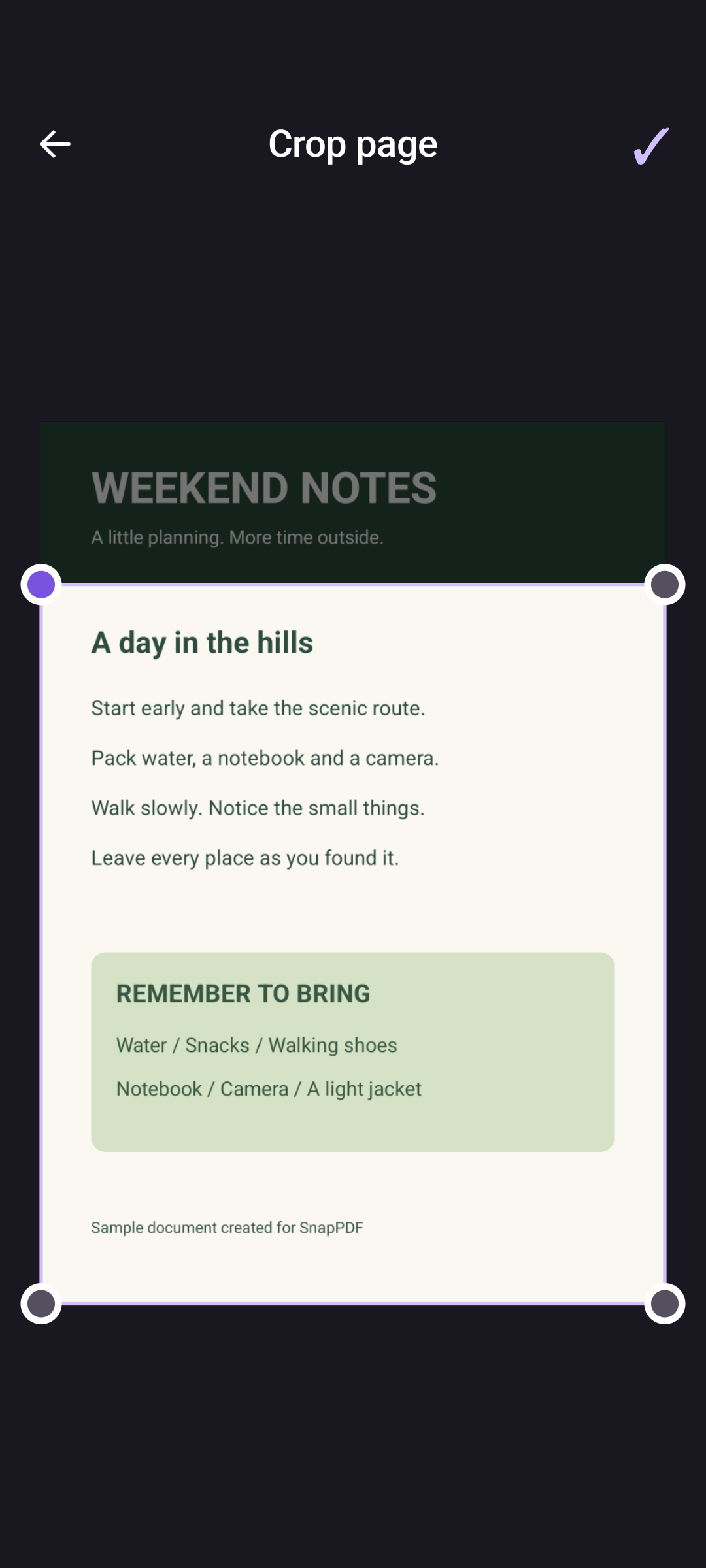
Adjust document corners with a full-screen crop editor.
Preview the result, then save or share a copy.
See the actual output size before you save.
Review recognized English text and copy it.
MADE FOR EVERYDAY FILES
Photo processing, PDF creation and compression, and English text recognition happen on your device in the current build. No account is needed to use these tools.
Read the privacy draft ↗SnapPDF creates new files instead of changing the source photo or PDF.
Open recent JPEGs and PDFs, save a copy, or remove a file from the app.
Photo PDFs support up to 10 pages. Photo sizes are maximum limits, not exact sizes. PDF compression accepts up to 50 pages / 80 MB and creates an image-only copy. Selectable text, links, bookmarks, forms and digital signatures are not preserved. PDF editing is not included.
SnapPDF is in development for Android.
A Google Play download link will appear here after release.